



Five tasks every SME should automate first
When you start thinking about automation, it’s easy to start with the biggest, most complex process you can think of. But nine times out of ten, that’s a big mistake.
The automations that are worth building first are the ones that are simple, repetitive, and currently eating hours out of yours, or your team’s, week. They’re not glamorous tasks and they won’t make a good LinkedIn post. But they will free up someone’s time almost immediately, and give you the confidence you need to tackle those bigger tasks later down the line.
Here are five tasks that your SME can automate right now with relatively little effort.

1) Following up on leads and enquiries
What happens when a potential customer fills in a form on your website? Someone in your team will eventually see that enquiry and send a reply when they get a moment. They may even copy the details into your CRM, if you have one. But if the enquiry comes in at 6pm on a Friday, they might not get a reply until Monday morning – and by that point, that prospect has already contacted your competitor.
You can easily automate that process into five simple steps:
- The lead’s details are instantly added to your CRM upon receipt of the form
- A personal acknowledgement email is then sent out
- The relevant salesperson is notified about the lead
- A task is created to follow up on the enquiry
- A second email goes out automatically if the lead doesn’t respond within 48 hours
This whole sequence can run without anyone needing to actually do anything. Your response time will drop from a matter of hours (or even days) to seconds, and no leads will slip through the cracks.
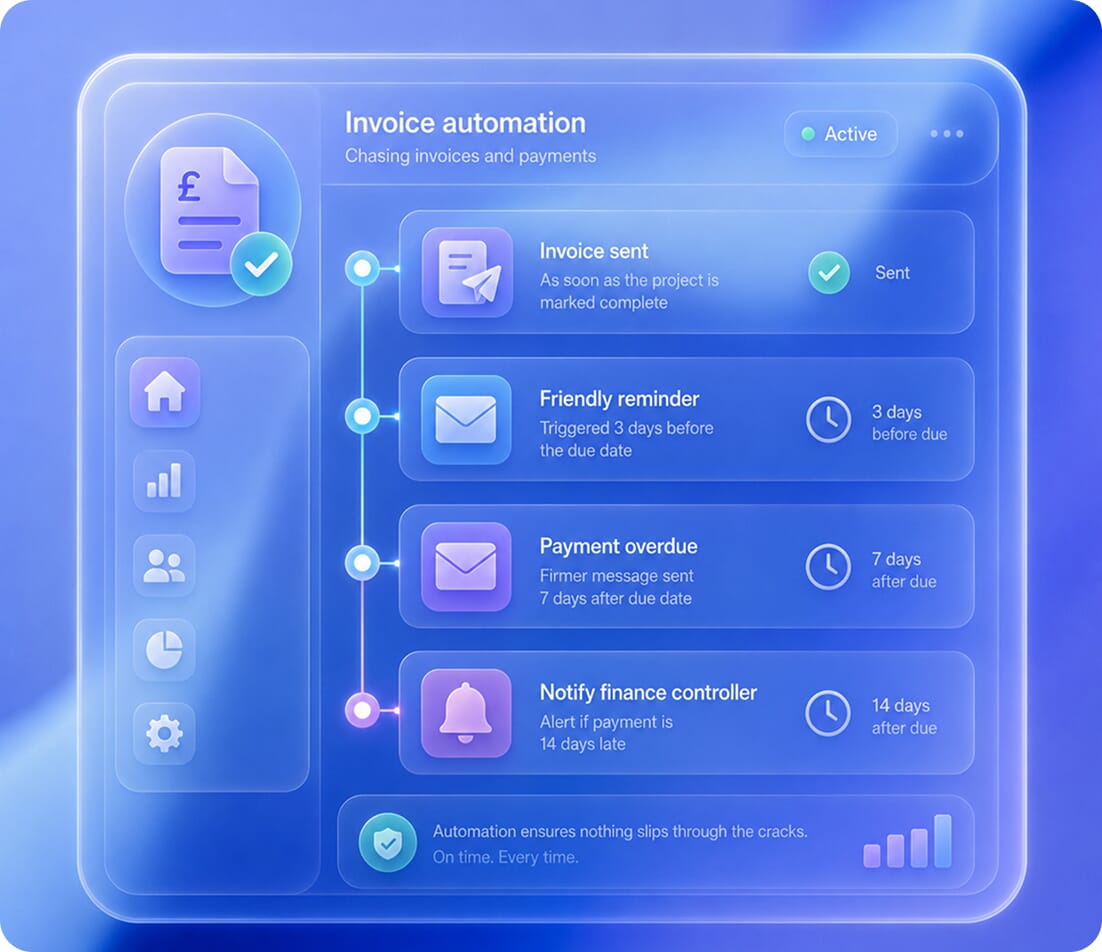
2) Chasing invoices and payments
If your team is manually sending out invoices and then manually following up when they’re overdue, that’s a big chunk of time you can get back immediately. Most accounting platforms, including Xero, QuickBooks, and FreeAgent, have some built-in automation for this. However, that automation is usually too basic for what you’ll need.
By connecting your accounting tool to an automation platform, you can build more intelligent flows that look something like this:
- An invoice is sent as soon as the project is marked complete
- A friendly reminder is triggered three days before the due date
- A firmer message is then sent if the payment is seven days late
- Your financial controller is altered if the payment is 14 days late
Automation ensures that the routine chasing happens on time, every time, without anyone needing to remember.
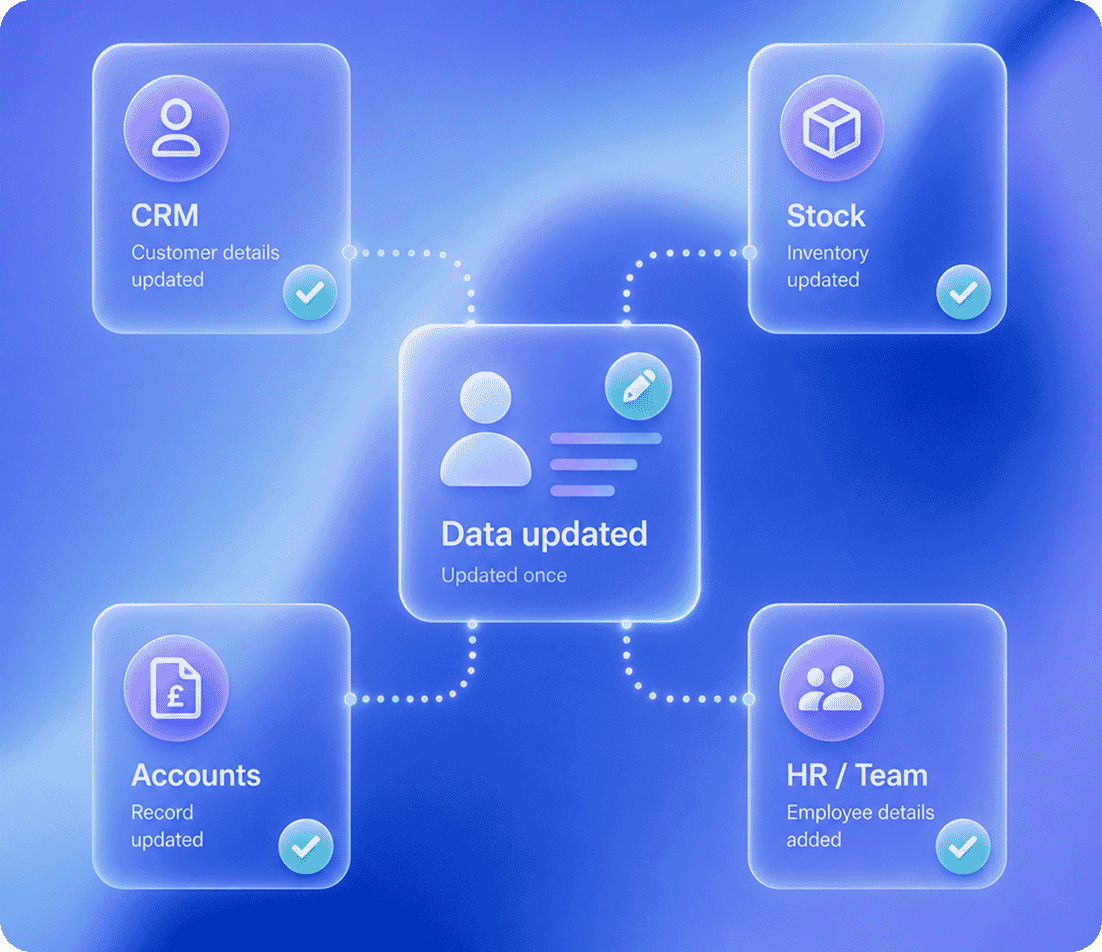
3) Entering data between systems
Data entry is the single biggest time drain in most small businesses. It can be difficult to measure exactly how much time your team is spending on this task, as it’s often spread across multiple people. For example:
- Someone might manually update the stock spreadsheet when your eCommerce platform processes an order
- Someone might update your CRM when a customer calls up to change their address, but forget to update the accounting system
- Someone may enter a new employee’s details into four different tools separately
Every one of these manual transfers is a point of failure. Data can easily get mistyped, updates can get missed, and records can drift out of sync. And usually, nobody notices until something goes wrong.
One of the highest-return automations you can build is one that connects all your systems, so that data flows automatically between them. You don’t need to replace any of your existing tools to do this. Just connect them properly so that when something changes in one place, it changes everywhere.
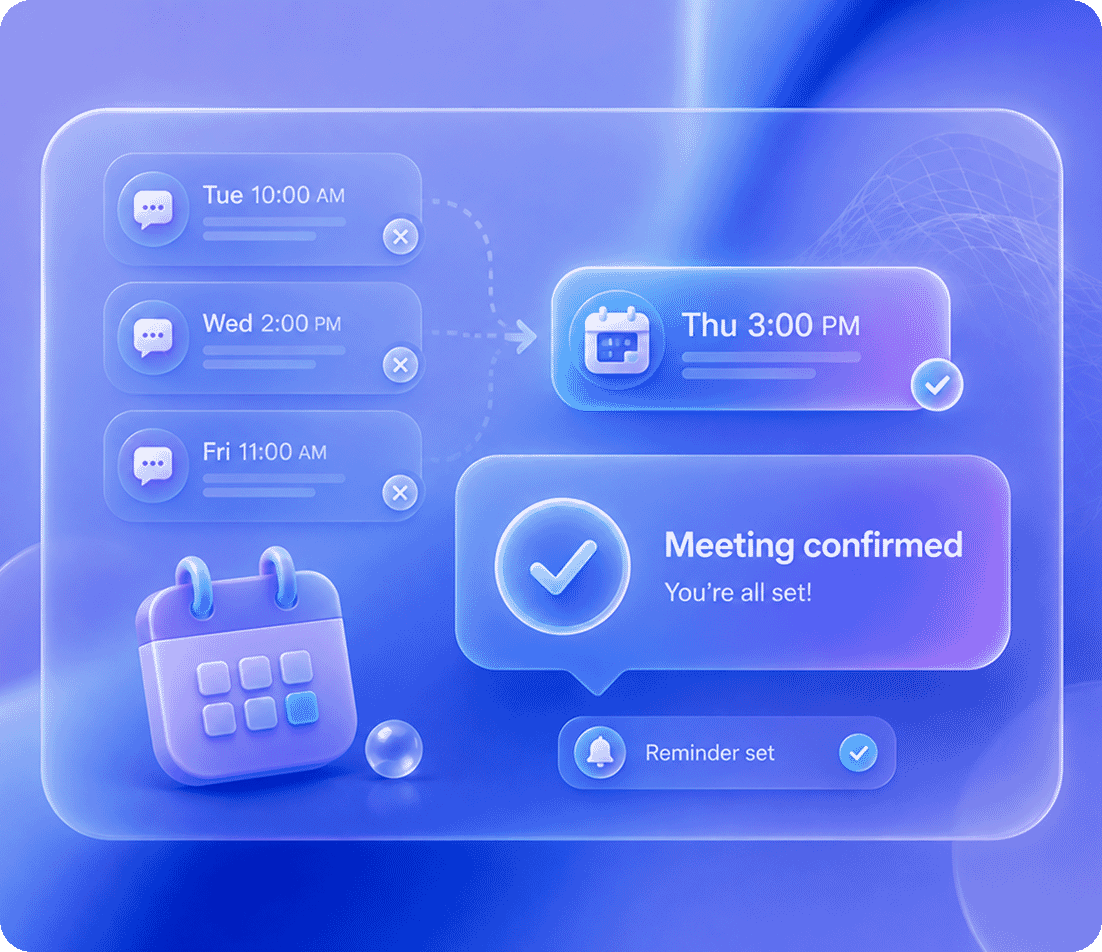
4) Scheduling and confirming meetings
The back-and-forth required to confirm and schedule meetings can be extremely time-consuming. For example, you may check your calendar and suggest three times, but then find that your client can’t do any of them. So you suggest three more. Eventually, you agree on a time, but then you’ll need to send a confirmation and a reminder.
Calendly and Cal.com are amongst the most popular scheduling tools on the market. But we still see so many SMEs not using them, or using them in isolation.
The real value comes when you connect your scheduling tool to the rest of your workflow as below:
- Someone books a meeting
- It appears in your calendar
- The client gets a confirmation and a reminder
- A record is created in your CRM
- Any relevant prep materials are sent over automatically
If you rely on consultations or discovery calls, this automation can save you hours of time every week and significantly reduce no-show rates.
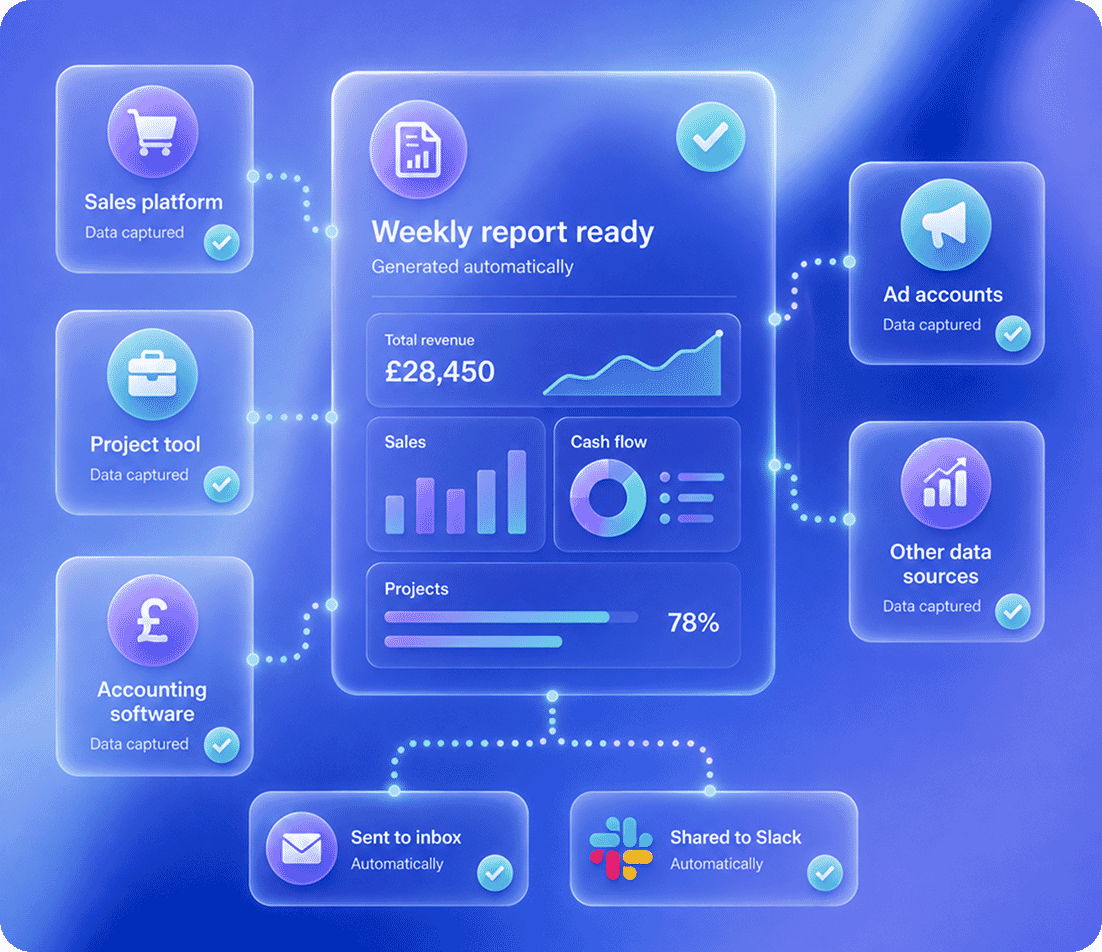
5) Reporting and status updates
How much time does your team spend pulling together reports like weekly sales summaries or cash flow snapshots? Every week, someone in your team will likely be:
- Logging into multiple tools
- Copying numbers into spreadsheets
- Formatting spreadsheets
- Emailing the reports round
You can easily automate this entire process. Data will get pulled from your sales platform, project management tool, accounting software, and ad accounts, and placed into a single report. This report can be generated and distributed automatically on a set schedule, and arrive in your inboxes (or Slack) without anyone touching it.
The biggest benefit here is consistency. Automated reports will always pull the same metrics, in the same format, on the same schedule. The numbers won’t ever look different because someone accidentally used a different data range.
How to get started with automation
There’s so many different processes you could automate, but you don’t need to do everything at once. Pick the process that wastes the most time in your business right now and start there.
Most automations can be built in just a few days using accessible platforms like Zapier, Make.com or n8n. They connect the tools you already use, without any custom software development needed.
Not sure which task would give you the biggest return? Need help scoping out what’s involved? Our AI discovery session is the perfect place to start. We’ll look at your current processes and tell you exactly where the biggest wins are for your business.


“We don’t hand you a strategy document and walk away – we build the tools, train your team and support you through adoption…”
Paul Benbow
Head of Development